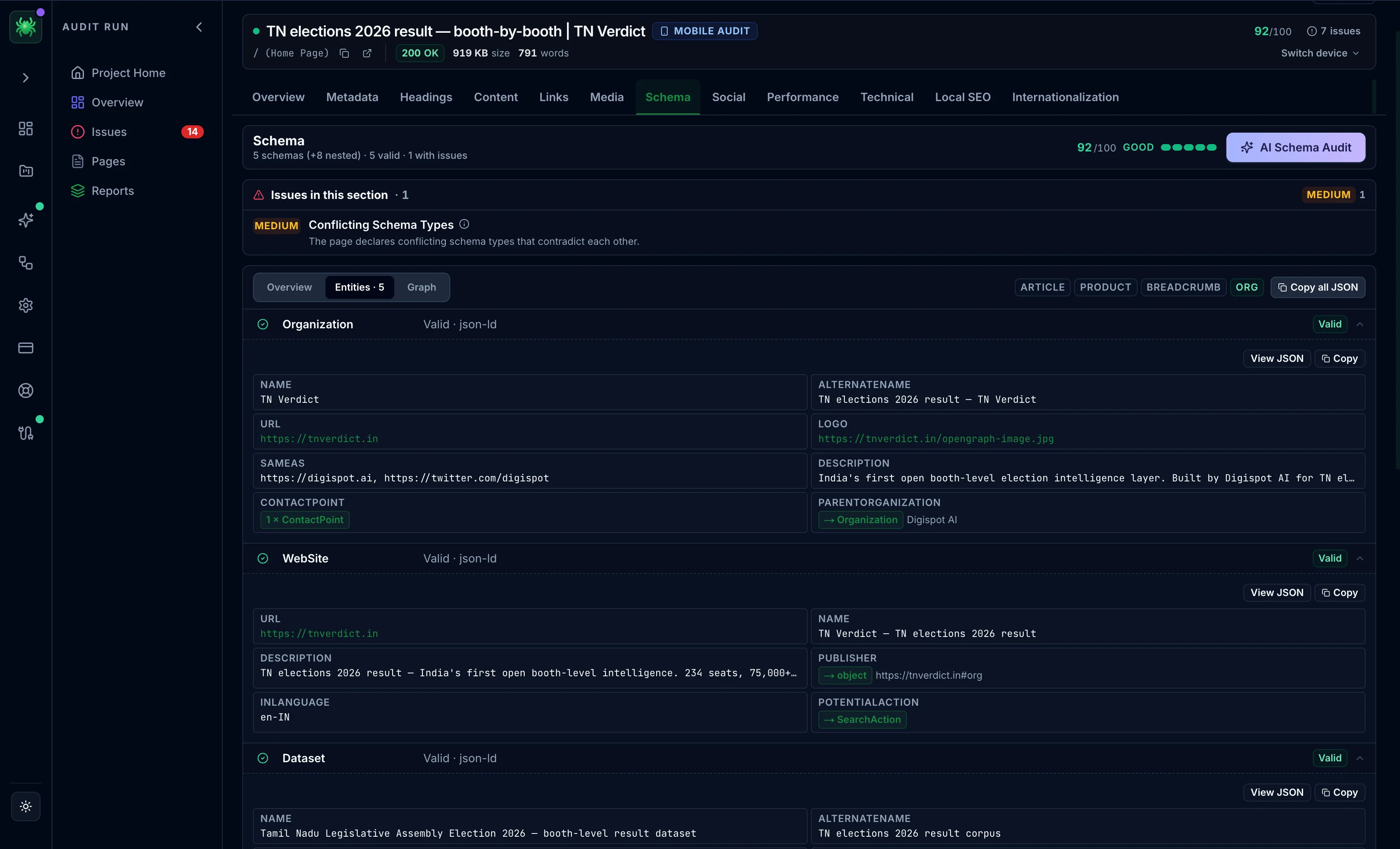
Schema tab
The Schema tab detects structured data, validates it, checks rich-result eligibility, and visualizes the entity graph.
The Schema tab finds the structured data on a page, validates it against Google's requirements, and shows how the entities connect. Structured data is what earns rich results such as star ratings, FAQ drop-downs, breadcrumbs, and product pricing. It is also increasingly how AI answer engines identify and quote a page's facts. A block that is present but invalid earns nothing. Validation matters as much as coverage.
Header chips show which key types (Article, Product, Breadcrumb, Organization) are present or missing. The tab has three inner views.
Overview
A type-distribution donut shows the mix of schema types on the page, alongside a rich-result eligibility list. Each type is marked Eligible or Ineligible. An ineligible type lists the specific blockers holding it back, usually a required property that is missing or malformed. This is the fastest path from "I have schema" to "my schema actually qualifies for a rich result".
Entities
A per-entity grid marks each block Valid, Has issues, or Warning, and expands to the full properties table or the raw JSON-LD. Use it to find the one malformed entity behind an ineligible type.
Graph
An entity graph draws the nodes and the relationships between them (for example, an Organization linked to its Product and its reviews), expandable to full screen. A well-connected graph helps search engines resolve a page into a coherent set of entities rather than isolated blocks.
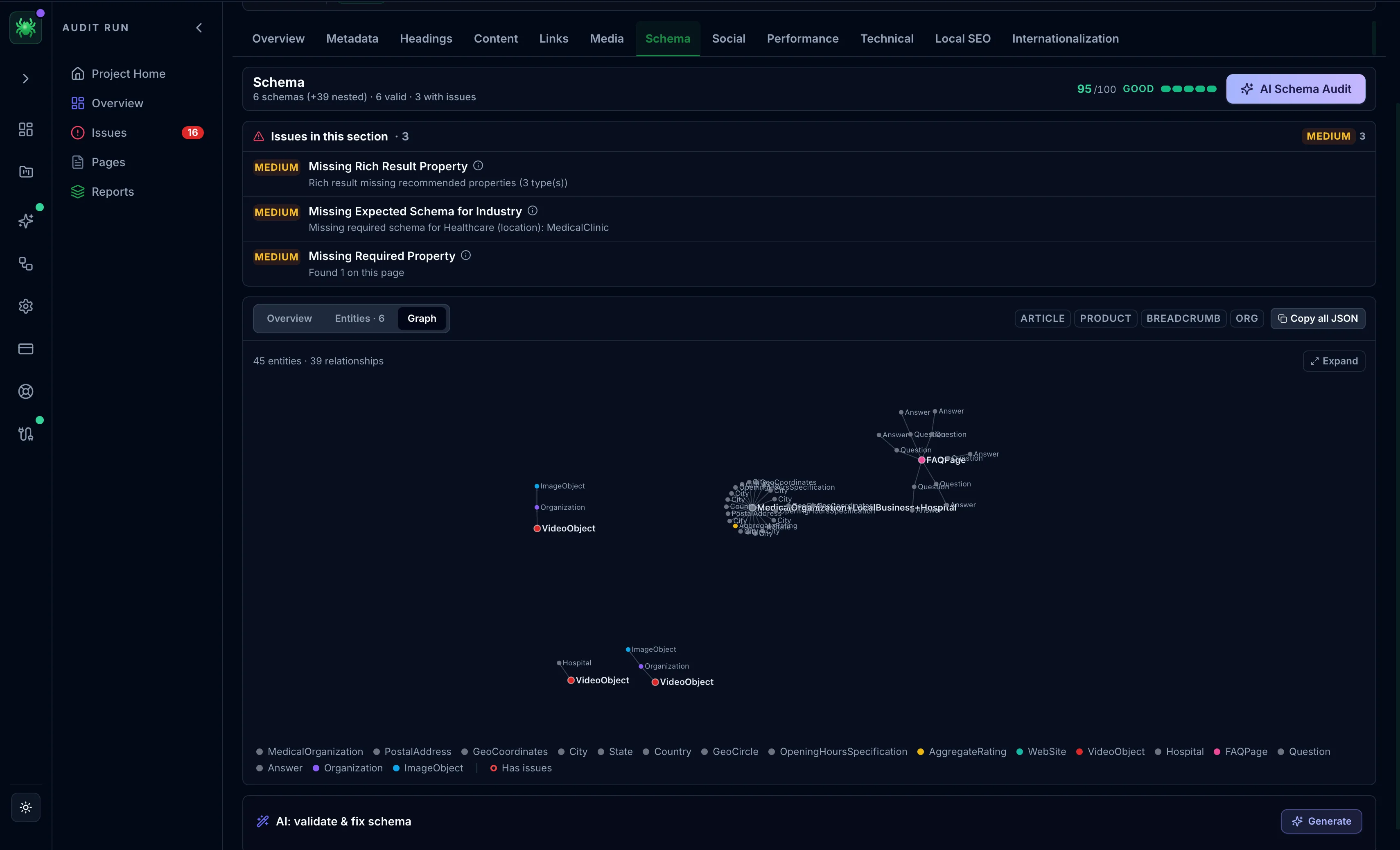
Copy all JSON exports the page's structured data in one click.
On paid tiers, the Schema AI Audit and an AI action to validate & fix schema turn the findings into corrected markup.
Eligibility is not a guarantee of a rich result, since Google decides per query. But ineligibility is a guarantee of none. Clearing the listed blockers is the prerequisite, so treat the Ineligible list as the work queue.