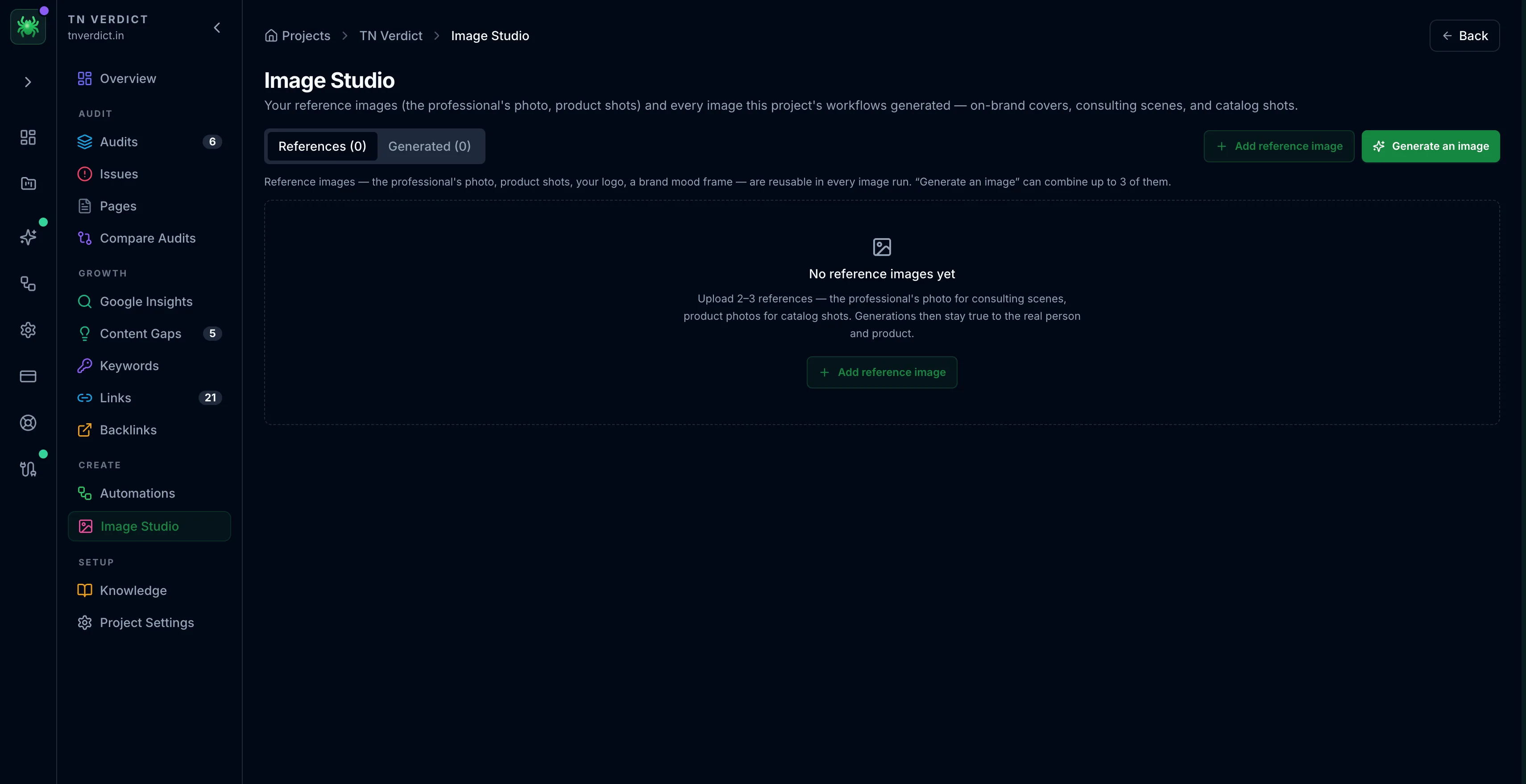
Image Studio
Image Studio manages the reference images and generated images used by a project's AI content workflows.
Image Studio is where a project's images live. That covers the brand and reference images you provide, plus the images your AI content workflows generate. It is the image half of the content pipeline. When a recipe writes a blog post and produces a cover image, that image lands here.
Image Studio is an AI feature, available on the Tracker and Leader plans. The free Scout tier shows an upgrade prompt. Generating images runs through the same AI provider as the other AI features, using your own key (BYOK) or managed credits. See AI features and Plans & tiers.
Two tabs
- References — brand and reference images you upload, so generated images stay on-brand rather than drifting to a generic look
- Generated — every image produced by the project's workflow runs, kept with the project so you can reuse or refine them
The reference loop
The two tabs feed each other. That is what keeps output consistent over time:
- Generate with a reference — produce a new image guided by one you have marked as on-brand
- Save a generated image back as a reference — promote a result you like so future runs match its style
Over several runs this narrows generated images toward a house style instead of each run starting from scratch.