
Google Integrations
Connect Google Search Console and GA4 so Spider ranks findings by the traffic actually at risk.
Connect your Google data and Spider stops treating every issue equally. It weights findings by the traffic and rankings actually at stake. A crawl tells you what is wrong. Google's data tells you which of those wrongs is costing you real traffic. Together they turn a flat issue list into a priority order.
Google integrations are a paid feature, available on Tracker and Leader. See Plans & tiers.
What you can connect
- Google Search Console — clicks, impressions, CTR, and position by query, country, device, and URL
- Google Analytics 4 — traffic and engagement data
You connect with a one-click OAuth sign-in. Tokens are stored encrypted on your machine. The connection syncs directly with Google.
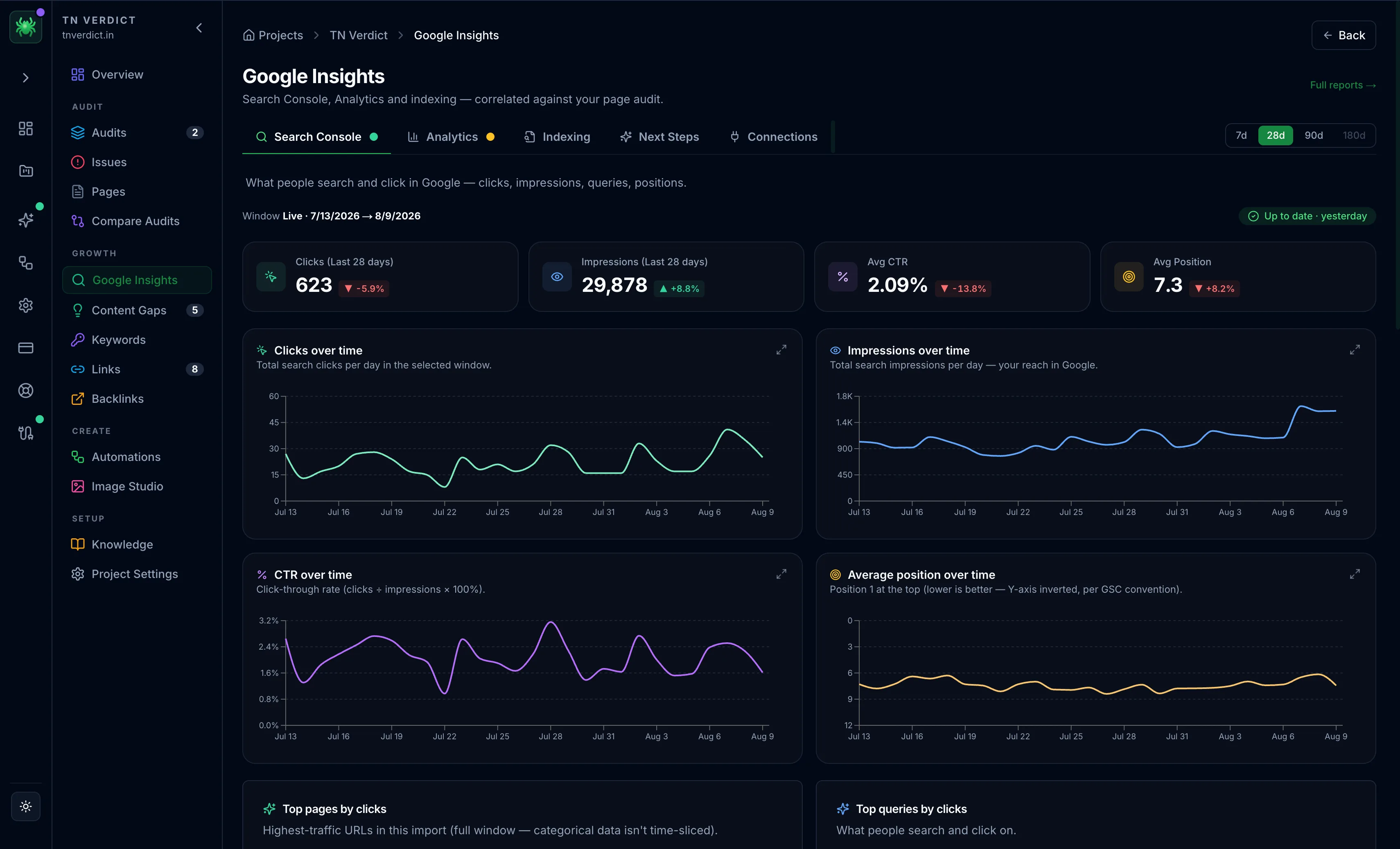
The indexing gap
Search Console's page-indexing (coverage) report is the one dataset the API can't hand over directly. Import it as a CSV or ZIP. Spider then correlates it against your crawled pages to surface the indexability gap: pages you expect to rank that Google isn't indexing.
Traffic-aware insights
With Google connected, Spider can highlight:
- High-traffic pages at risk — pages with issues that are also earning meaningful traffic
- Query cannibalization — multiple pages competing for the same query
- Striking-distance queries — near-page-one queries worth a push
- Period-over-period trends — what improved or slipped since last time
Connect Search Console before working the Issues board. With traffic data attached, the board can rank a template issue affecting your highest-traffic pages ahead of a critical finding on a page nobody visits.
MCP Server
Connect Claude Code, Cursor, or Windsurf to Spider's crawl data — 64 project-scoped tools, 8 packaged SEO skills, and a hard single-project boundary.
Plans & Tiers
Scout, Tracker, and Leader — what each Digispot plan unlocks in SEO Spider, including page limits, devices, AI, MCP, and Google integrations.