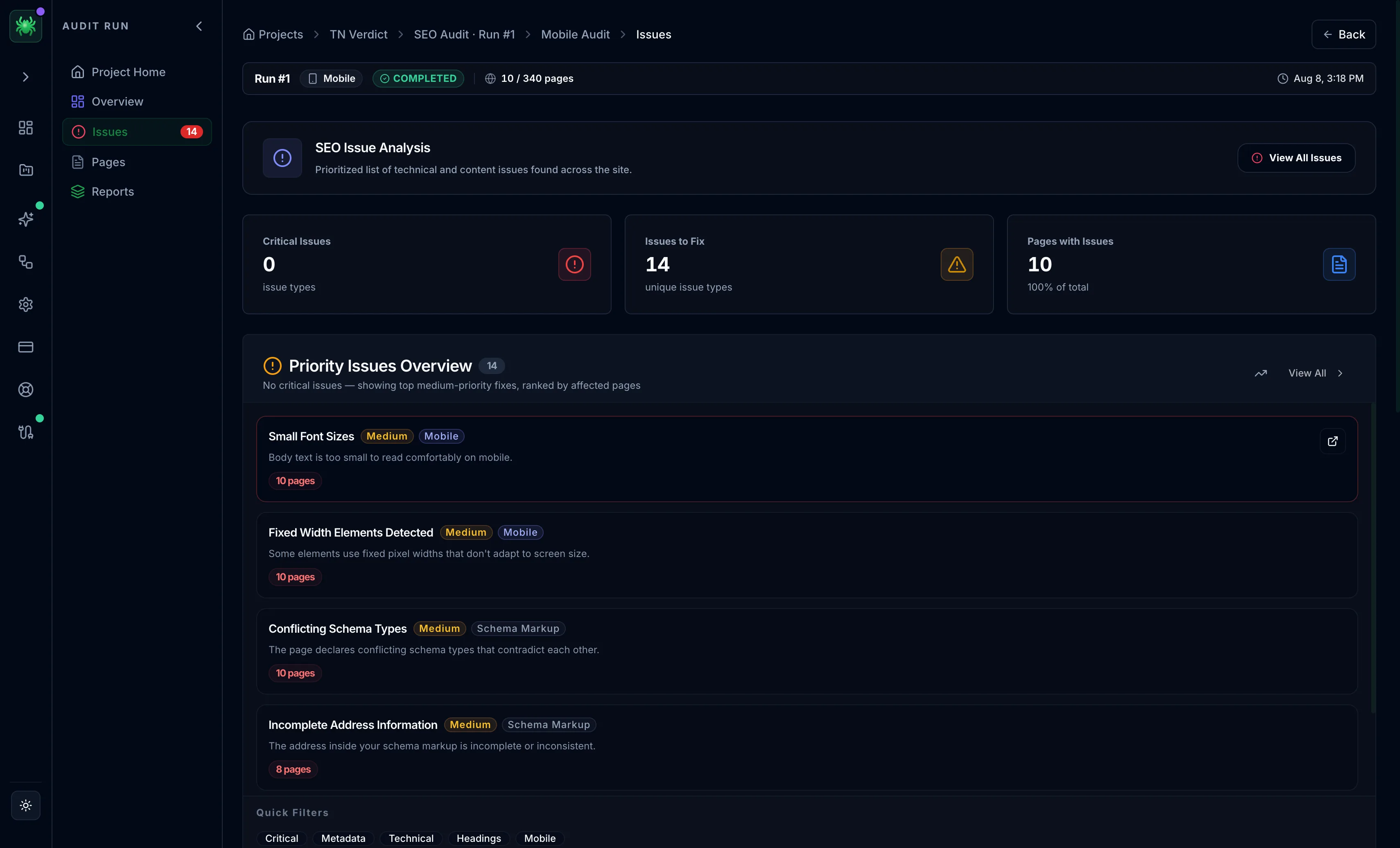
Issues
The Issues board is the fix-first queue — every finding across the crawl, grouped by severity and category, weighted by the traffic at risk.
The Issues board is where you decide what to fix first. It aggregates every finding across the crawl by the problem itself, not page by page. A template-level issue shows up once, with every affected page behind it. That grouping is the point. A missing meta description repeated across 400 URLs is one fix in a template, not 400 separate tasks, and the board shows it that way.
Triage boards
The crawl Overview opens with three triage boards — issues by severity, by category, and by type — plus a quick wins panel. Each board deep- links into the full issues view, pre-filtered. You can jump straight from a count to the exact findings behind it.
- By severity — Critical, High, Medium, and Low, the same fixed severities every check maps to in Checks & Scores
- By category — which part of SEO the findings sit in, from Content and Metadata to Schema and Performance
- By type — the specific check that fired, so recurring template problems cluster together
- Quick wins — findings that are both high-impact and low-effort, the shortlist to clear before deeper work
The issues view
The dedicated issues view groups findings by severity and lets you filter by:
- Severity — critical and high by default
- Pattern — for example, mobile-only issues
- A single issue — focus one finding and see every page it affects
Each row explains what the issue is, why it matters, and how to fix it, with a link to every page that has it. A finding carries its own remediation rather than sending you elsewhere to look up what to do.
When Search Console is connected, issues are weighted by the traffic actually at risk, so the highest-impact problems rise to the top. See Google integrations.