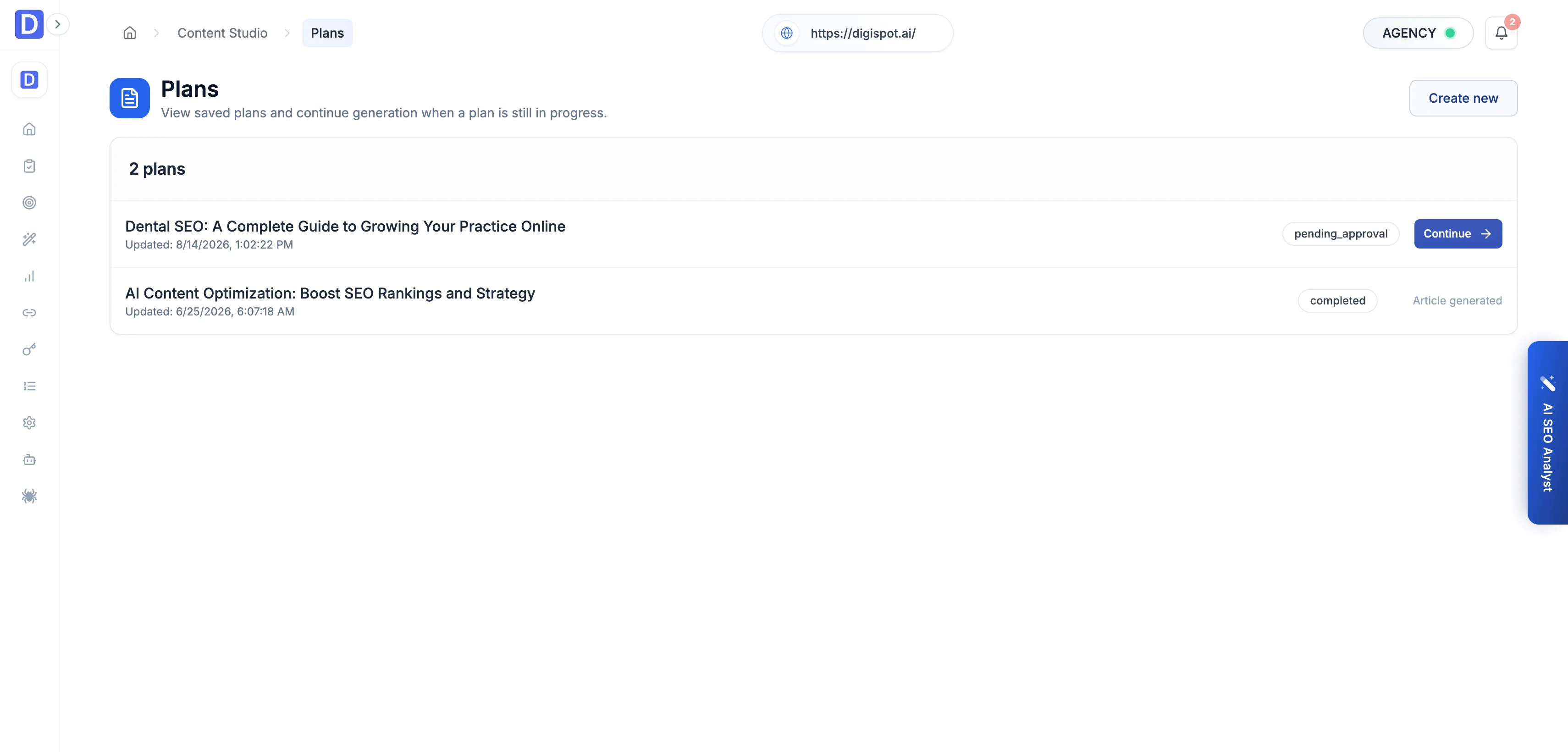
Plans
Content plans organize article work through a review workflow — from draft to approved to completed.
A content plan is the outline an article is approved against before the full draft is written. Rather than generating a long piece blind, the studio produces a plan, holds it for review, and only writes the article once the plan is signed off. A team drafts, approves, and completes content in a controlled flow instead of a loose pile of drafts. The Plans screen lists every saved plan for the active project and lets you resume one that's still in progress.
Statuses
Each plan carries a status that drives what you can do with it.
| Status | Meaning | Next action |
|---|---|---|
| Draft | The plan exists but hasn't been submitted for review. | Continue building it. |
| Pending approval | Submitted and awaiting sign-off. | Continue — review and approve or reject. |
| Approved | Signed off; ready to generate the article. | Continue to generation. |
| Rejected | Turned down in review. | Revise or discard. |
| Completed | The article has been generated from the plan. | Open the article in the Library. |
| Expired | Aged out before completion. | Start a new plan. |
Plans in pending approval or approved show a Continue action to pick up generation where it left off. A completed plan links through to its generated article.
Plans belong to Content Studio and require an active paid plan. Approving and completing a plan spends AI credits on the article it generates. The plan and review steps organize the work, but the draft itself is the credited action.