
Keys & connections
Manage MCP server keys, Chrome-extension keys, and Spider desktop licenses and seats from your cloud account.
Your cloud account is where you connect the rest of the Digispot ecosystem: AI agents, the browser extension, and the desktop Spider. These screens are Admin-only.
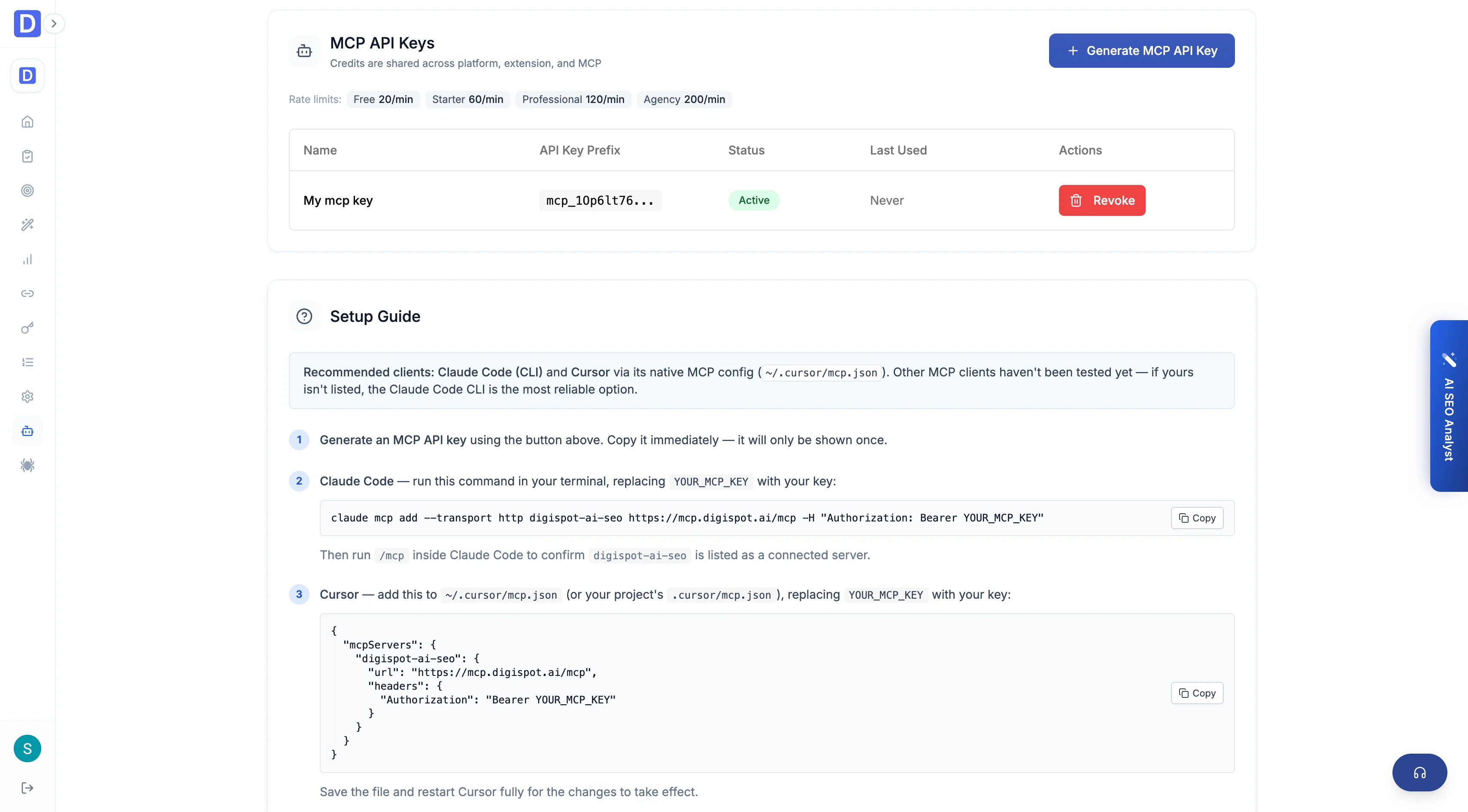
MCP server
Create and manage MCP API keys so AI assistants can query your cloud data: projects and remaining credits, audit results and top issues, keyword and backlink data, Google metrics, and content opportunities. Revoke a key at any time.
This is the cloud MCP server. The desktop Spider also runs a local MCP server for querying on-machine crawl data.
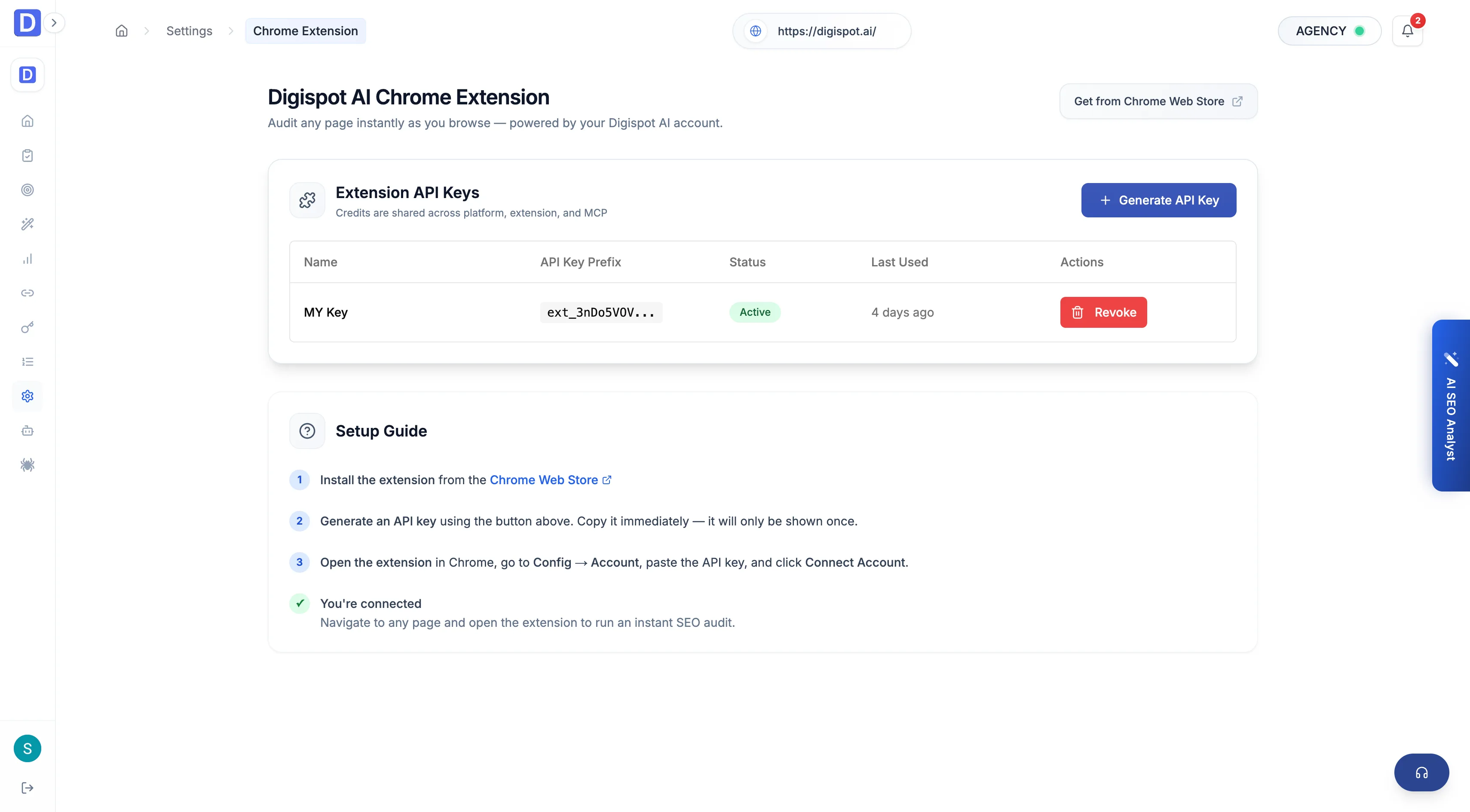
Chrome extension keys
Generate Extension Keys that tie the Chrome extension to your organization. Page audits in the browser then draw on your account's managed AI. Create and revoke keys as needed.
Spider desktop license
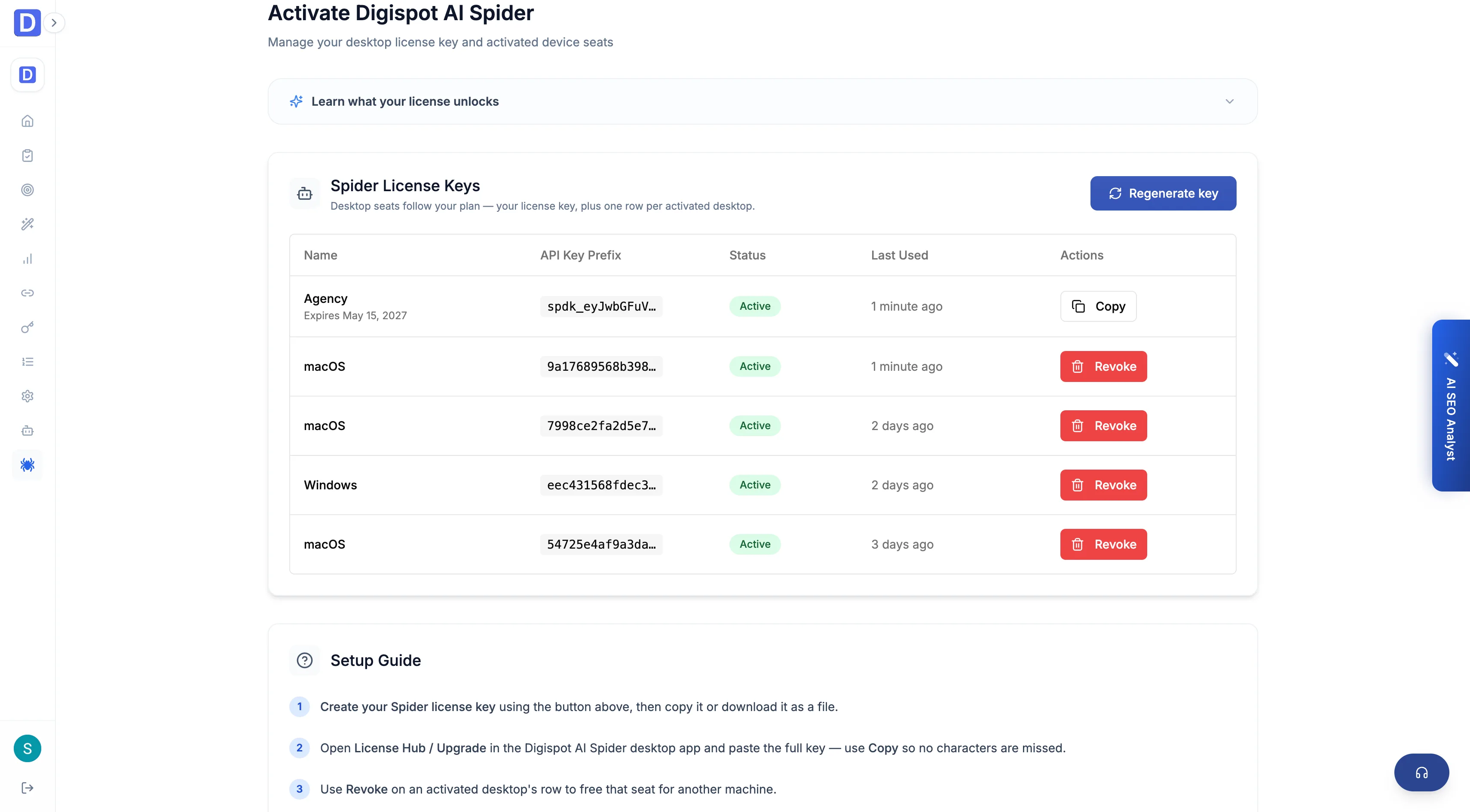
Manage your SEO Spider desktop licenses and seats:
- Activate the desktop app with a license key
- See how many seats are used against your plan's limit
- Revoke a seat to free it for another machine
- Start a 7-day trial seat
See the desktop plans for what each tier unlocks.